An ERP for growing teams
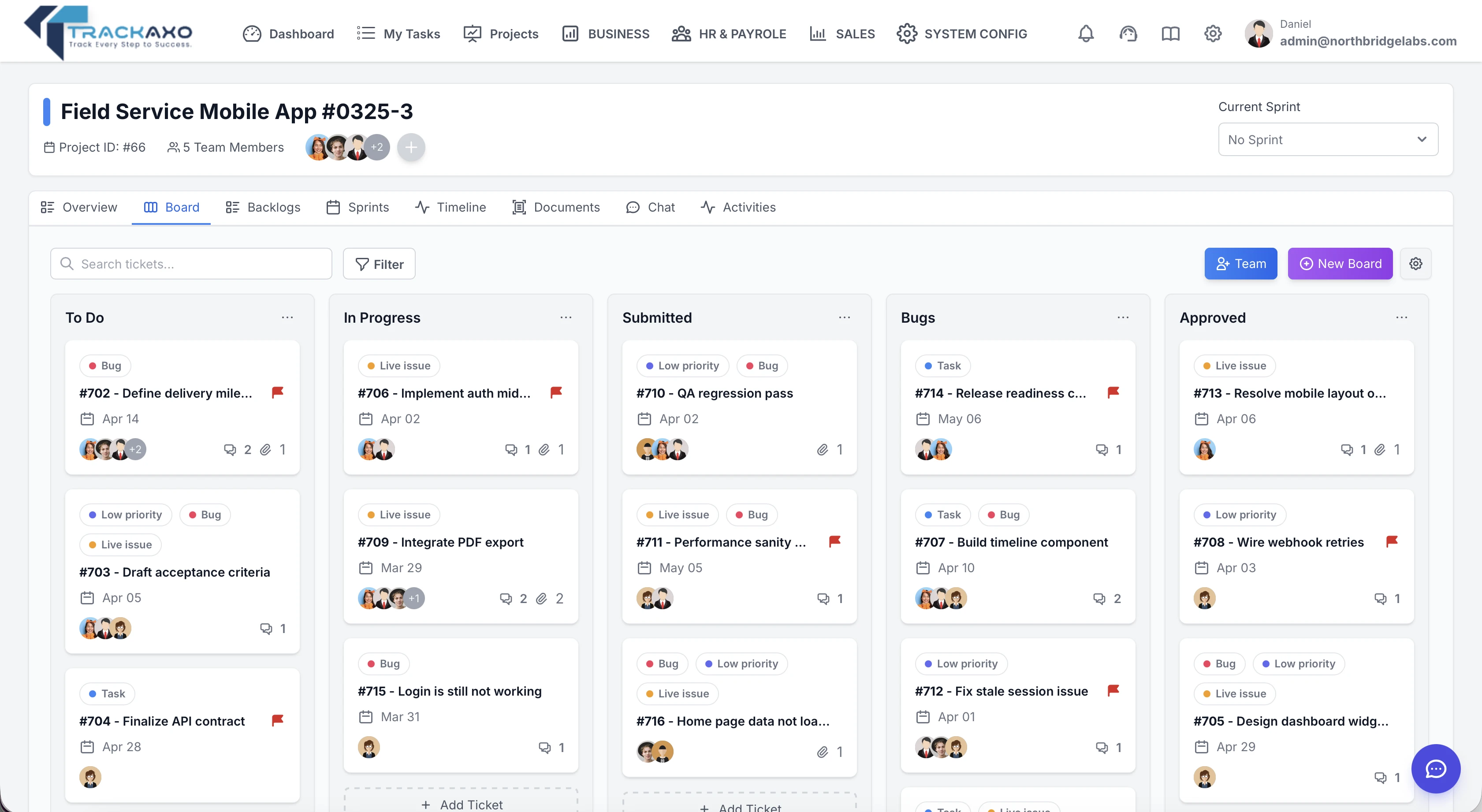
TrackAxo brings projects, HR & payroll, finance, and sales together—so your team runs on one system instead of scattered tools.
Reduce costs. Projects, HR, Finance, Sales, Analytics & more in one place Reduce costs. Everything in one place.
Boost efficiency. Seamless team collaboration with shared insights Boost efficiency. Collaborate with your team.
No credit card required.
14-day free trial — no credit card.
FREE FOR 3 USERS • NO CREDIT CARD • TAILORED TO YOUR BUSINESS NEEDS
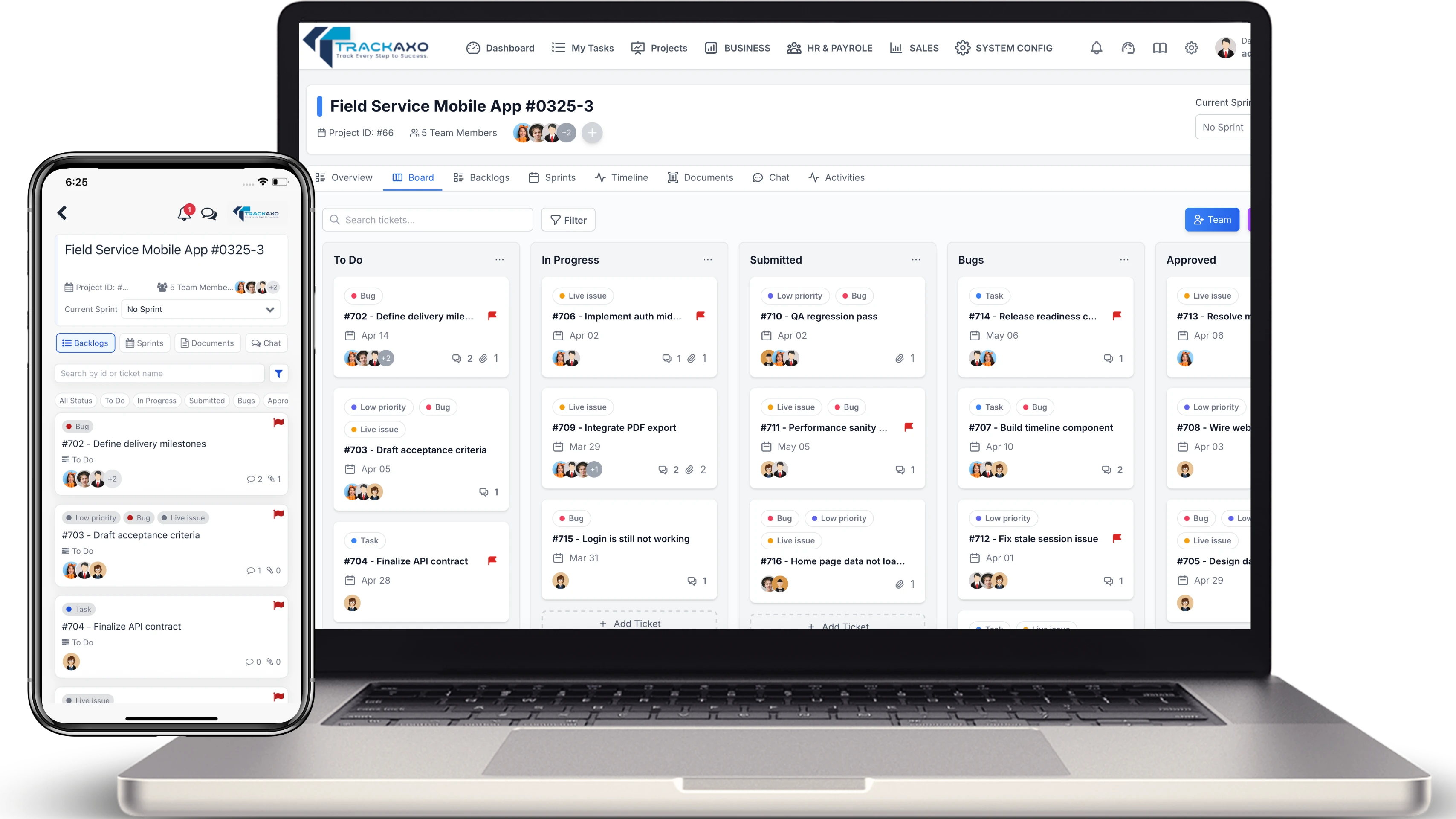


TrackAxo Teams - Employee App
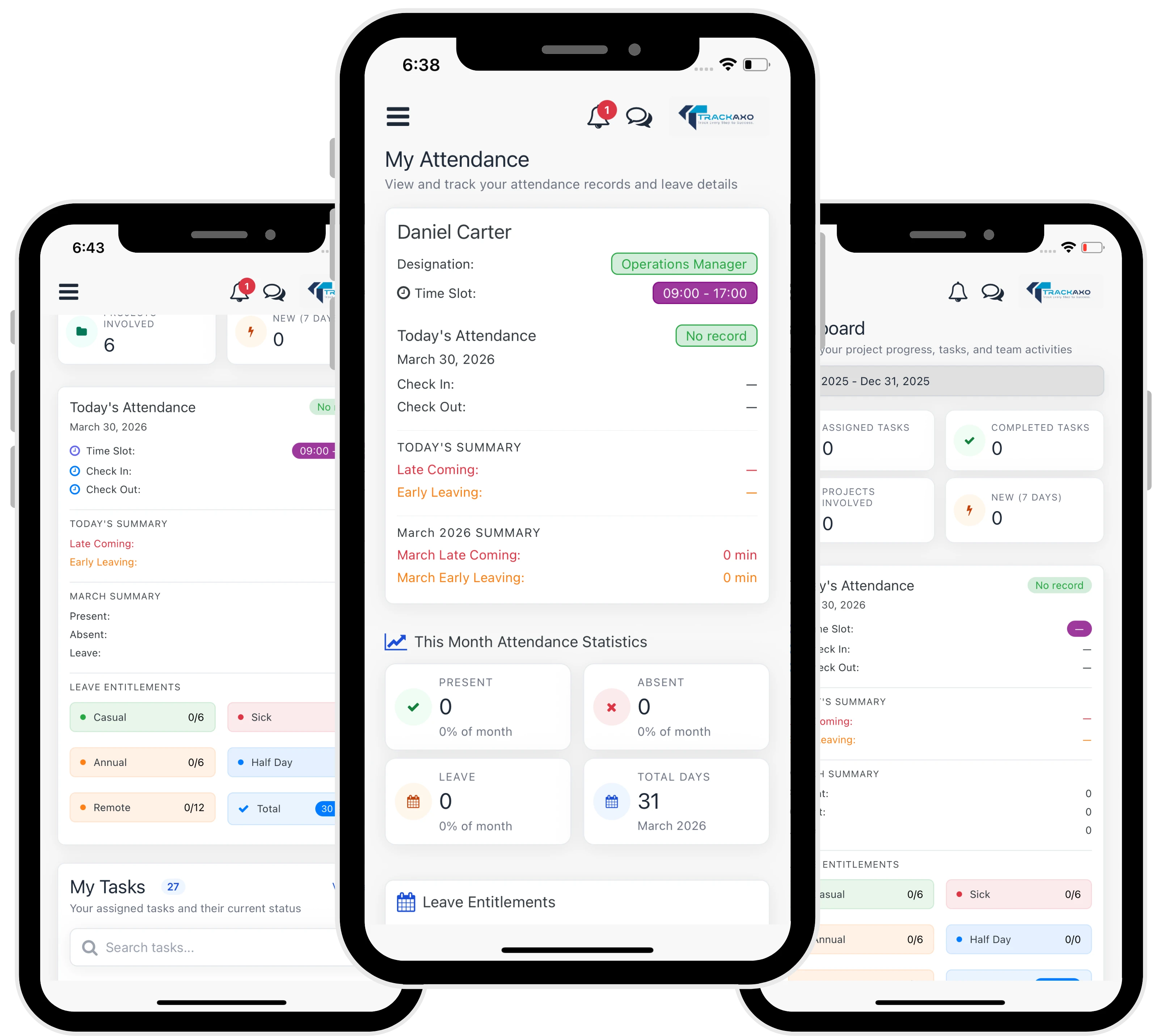
The same TrackAxo platform—on the go. Manage work, time, expenses, and leave in one app, fully synced with your workspace.
Give your team a focused mobile experience for everyday HR and work—at the office, at home, or on the road. One login, one set of permissions: what they see on the phone matches what you manage on the web.
Productivity. Time, leave, expenses, and tasks—one place.
Alerts & security. Push alerts and approvals; same roles as the web.
Hover or tap a card to preview:
Everything you need in one platform
TrackAxo supports multiple industries—pick yours to see how the same ERP covers delivery, HR, finance, and sales.
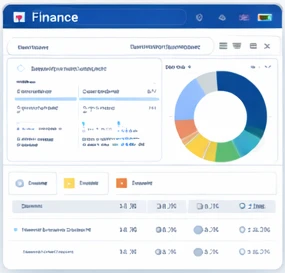
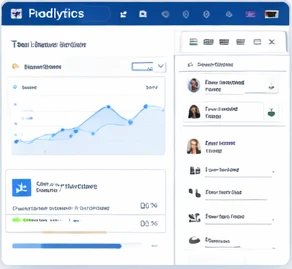
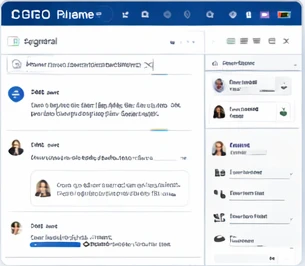
Customer Stories
Here's what our clients are saying about TrackAxo.
We used to juggle four different tools for projects, timesheets, and payroll. TrackAxo replaced all of them. Our team of 14 is now on one platform—attendance and leave sync with payroll, and we actually close the books on time.

Finally, project hours and expenses flow straight into our invoices. No more spreadsheets. We switched to TrackAxo six months ago and our billing cycle is down from two weeks to three days.
The HR and payroll module saved us. We set up departments, leave policies, and allowances in a day. Payroll used to take me a full week—now it’s done in an afternoon. TrackAxo feels built for companies like ours.
We needed one place for projects, sales, and client data. TrackAxo gave us that. The CRM and project views are connected, so we see the full picture per client. Onboarding was straightforward and the free tier let us test everything first.
Budget planning and expense tracking were a mess before. With TrackAxo we have one dashboard for project costs, team expenses, and revenue. Reports are clear and we can finally forecast without jumping between tools.
Our dev team lives in TrackAxo—tasks, time tracking, and client projects in one place. The mobile app is a plus for approvals and leave requests. We’re a 20-person shop and it scales with us without the enterprise price tag.
We run projects and sales from the same tool now. Lead-to-project handoff is smooth, and we have visibility from first contact to delivery. TrackAxo fits how software companies actually work.
Started on the free plan with three users. When we grew, upgrading was simple. Support answered our setup questions quickly. For a small software team that needs projects, HR, and finance together, TrackAxo is the right fit.
Questions & Answers
Feature highlights, how modules fit together, and quick answers on setup and plans.
-
What are the main features TrackAxo offers?
TrackAxo brings projects, Desktop Tracker, HR & payroll, finance, and sales into one platform. Core areas include project and task management, Scrum boards, task ownership tracking, timeline progress, owner updates, time and attendance, leave and expenses, payroll and salaries, invoicing and budgets, CRM and pipeline, dashboards and business reports, team chat, and notifications—so your team can plan work, run HR and payroll, track money, execute reliably, and close deals without switching apps.
-
How do I configure organization structure, schedules, and company settings?
In one admin workflow you can organize departments and hierarchies, create users, assign roles, and set module permissions. Configure working hours, breaks, and timeslots per team or person; define company and public holidays with calendar-aware attendance. Set employee allowances and benefits with payroll-ready rules, and use system settings for company profile, email templates, notifications, and other global preferences.
-
Do projects, HR, sales, and Desktop Tracker data connect in TrackAxo?
Yes. Teams, clients, task updates, time entries, and financial activity share the same workspace: project work can feed Desktop Tracker status, attendance, and costing; HR and project views stay aligned; and sales opportunities can relate to accounts and delivery work—so leaders see one picture of workload, execution progress, cost, and revenue.
-
What kind of reporting and dashboards are included?
You get business dashboards and module-specific analytics—project progress, Desktop Tracker execution status, HR and payroll summaries, financial KPIs, and sales pipeline performance—plus exportable reports for operational and leadership reviews. Filters and role-based access help each role see what matters.
-
Do I need a credit card to sign up?
Yes. New organizations get a 14-day free trial with full product access — no credit card required. After the trial, choose Starter, Professional, or Enterprise to continue.
-
Who is TrackAxo for?
TrackAxo is an ERP for growing teams—software companies, agencies, consultancies, and other operations-heavy businesses that need projects, HR, payroll, sales, and finance in one place.
Have more questions? View FAQs · Contact us